How to Set Up a CRM That Actually Works for You

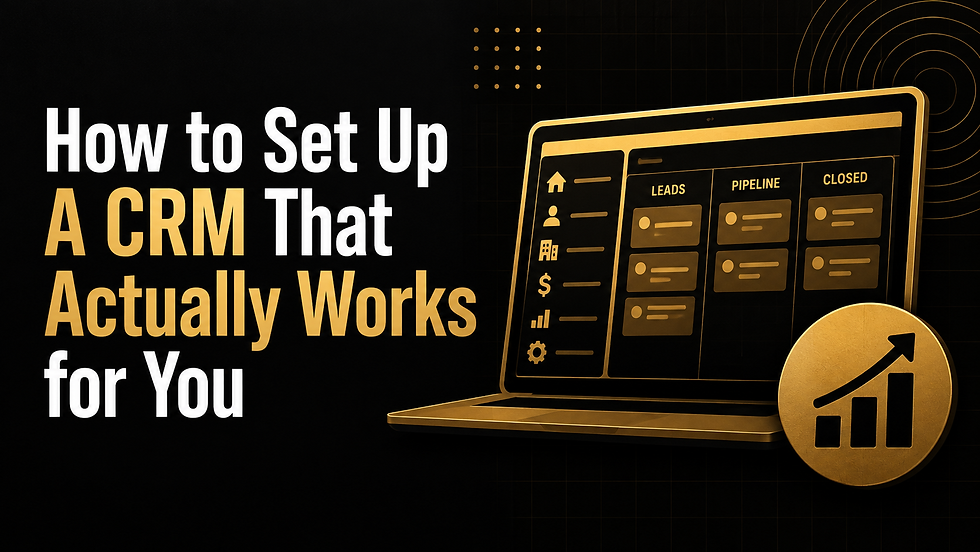
Most founders buy a CRM the same way they buy a gym membership. Excited, hopeful, and with no actual plan for what they are going to do once they are inside. They open HubSpot, start adding contacts, maybe build a pipeline that looks like the one from a template they found online, and call it done.
Then three months later nobody trusts the data. Deals are stuck in the wrong stage. Nobody can pull a clean report without exporting to a spreadsheet and fixing it by hand. The CRM becomes a place where information goes to get lost, not a tool that helps you close.
1. The Problem Is the Build Order
Most people set up fields first. What they think might be useful someday. A dropdown here, a text field there, just in case. Then they try to force their actual sales process to fit whatever they built. It should go the other way.
2. Start With Your Workflow, Not Your Fields
Before you open your CRM, map out how a deal actually moves through your business. Not how you wish it moved. How it actually happens. Who first touches a lead. What has to be true before it counts as qualified. What happens right before someone signs. Write this down as five or six stages, no more. If you cannot explain your pipeline in one sentence per stage, it is not ready yet.
Once the workflow is mapped, the rest gets easier.
3. Then Build Your Pipeline Stages
Your stages should reflect decisions, not just activity. Discovery Scheduled is an activity. Pain Confirmed is a decision. The second one tells you something real about where the deal stands, and that difference is what makes your pipeline reports actually mean something later.
4. Then Get Your Contact and Company Structure Right
This is where a lot of CRMs get sloppy. Every contact should sit under a company record, and every deal should sit under both. If you are selling into any kind of team, not just a single buyer, you need to see every stakeholder tied to that account in one place. Otherwise you lose the thread the moment your champion changes jobs or a second decision maker shows up.
5. Finally, Build Your Fields, and Only the Ones Tied to Reporting
This is the step people rush and it is the one that matters most. Before you add a field, ask yourself one question. What report will I pull this for? If you do not have an answer, do not build the field. A few fields that actually get used beat twenty that do not. For most early-stage sales teams, that means something like deal source, primary use case, competitor if there is one, and expected contract value. Simple, specific, and every one of them earns its place because you will actually use it when it is time to report on the quarter.
One more piece worth mentioning. Once your CRM is structured this way, connecting a tool like Claude to it becomes genuinely useful instead of a gimmick. Clean fields and clear stages mean you can ask for a view of every deal stuck in a stage for more than two weeks, or a quick pull of every open deal by source, and actually get a usable answer back. The AI layer only works as well as the structure underneath it. Garbage fields in, garbage views out.
Final Thoughts: A CRM Is a Reporting Engine, Not a Filing Cabinet
A CRM only works if you build it in the right order. Workflow first, structure second, fields last. Skip a step and you will spend more time fixing your CRM than using it.
If you are setting up your CRM from scratch or trying to untangle one that is already a mess, I am happy to talk through it.
Do you need help building a CRM system design for you and your sales process?


